

Find SNIB2 and SNIB3 together
Review mixed board families in the same workspace instead of dividing the site by SNIB generation.
WCS Mobile Software
The independently developed WCS mobile field workspace for authorized SNIB2 and SNIB3 discovery, review, and programming. Available now for iPhone and iPad through Apple's App Store.
Available now on the App Store. Purchases, subscription terms, and installation are managed by Apple.
Product capabilities
SNIB Scout for iOS brings the field work technicians perform most often into one mobile workspace: finding authorized boards, understanding what is online, reaching configured networks, identifying customer assets, and managing selected changes.
Review mixed board families in the same workspace instead of dividing the site by SNIB generation.
Discover authorized boards across local and configured network ranges instead of being limited to one subnet.
Optionally scan a customer asset barcode or QR code. Camera and barcode data is processed on the device and is not sent to WCS during normal operation.
Keep board identity, status, addressing, and selected targets visible while managing authorized boards from one mobile view.
Inside the app
Genuine iPhone views of discovery, technician support tools, and the offline SNIB reference prepared for the App Store release.
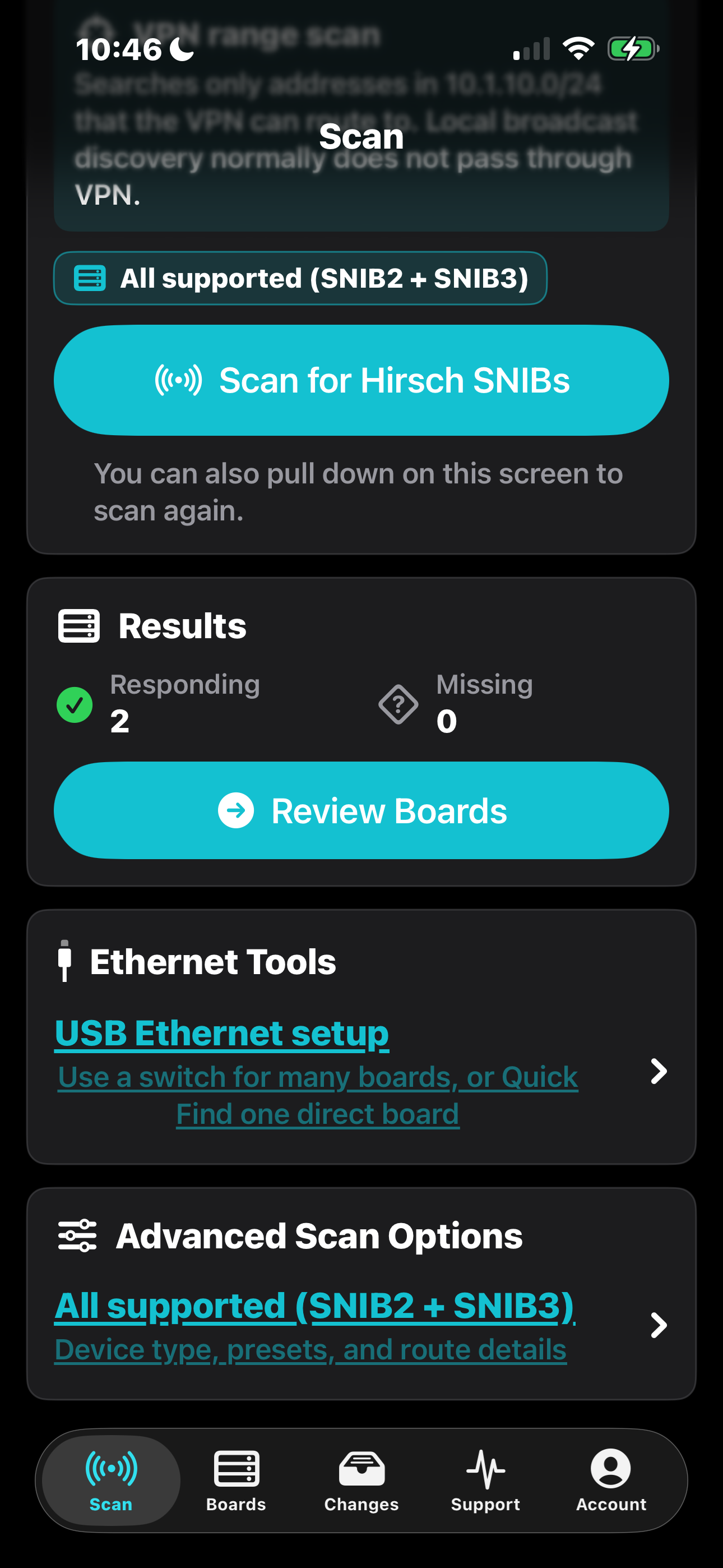
Review SNIB2 and SNIB3 results together, including routed and configured network ranges.
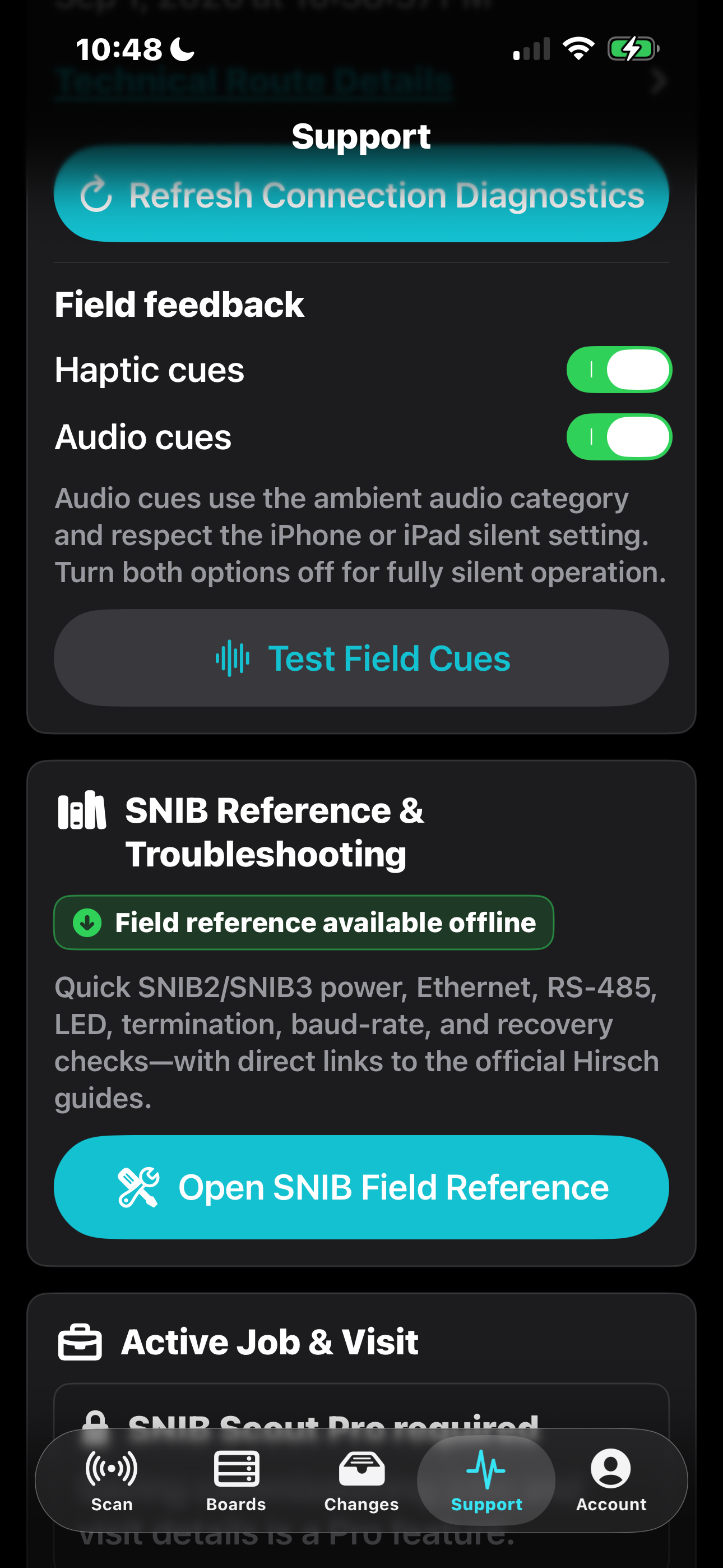
Keep connection diagnostics, field feedback, and reference material close to the work.
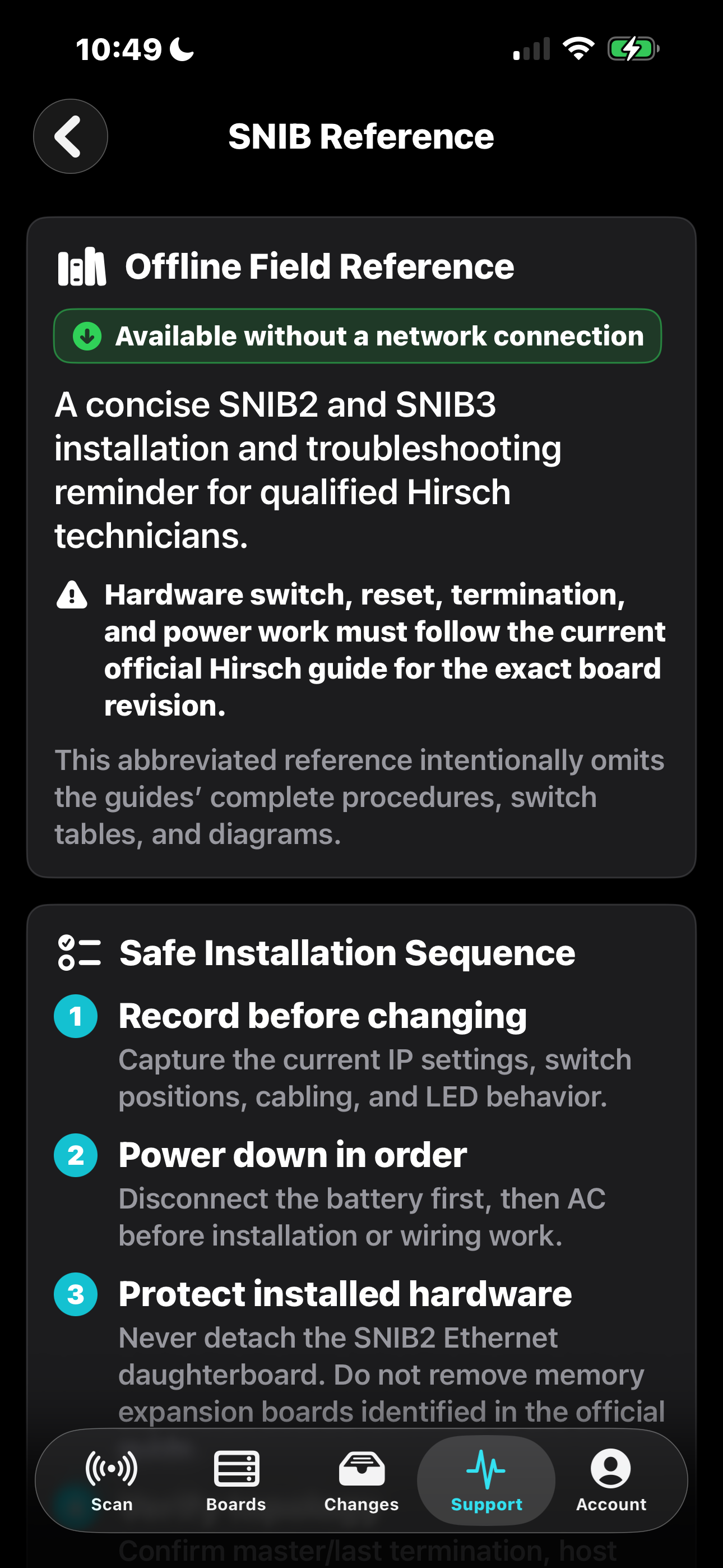
Reach concise installation and troubleshooting reminders even without a network connection.
Release status
SNIB Scout for iOS is publicly available from Apple. Purchase, subscription management, installation, and updates are handled through the App Store; WCS does not provide a direct iOS installer.
Independent product notice: SNIB Scout is independently developed and owned by West Coast Security, Inc. References to Hirsch, Velocity, SNIB2, and SNIB3 identify compatible third-party systems and do not imply sponsorship or endorsement. All third-party names and trademarks belong to their respective owners.